
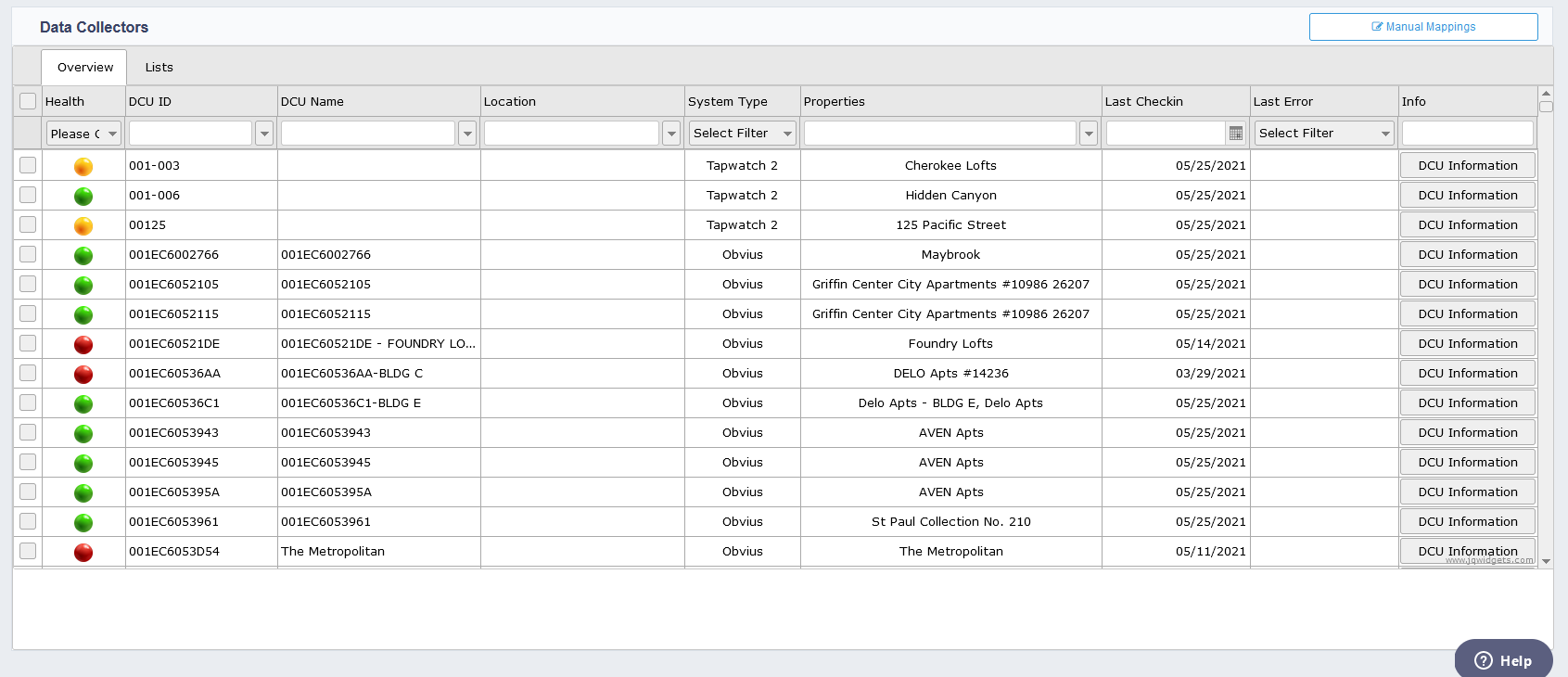
This page can be accessed from the main menu on the left-hand side. The Data Collectors Page displays all the data collectors and their respective systems for each property. Data collectors are installed at each property and are used to collect the data from the property and sends the data back to the system for reporting. Some system types can have multiple data collectors on a single property. You can get more information about the data collector by double clicking on a single data collector. Once looking at a single data – collector you can see and static data regarding the data collector, you can also see what properties are using this data collector. On this page, you can also add notes specific to the data collector. If the data collector utilizes repeaters, those reports will also be listed on this page.
Comments
0 comments
Article is closed for comments.