
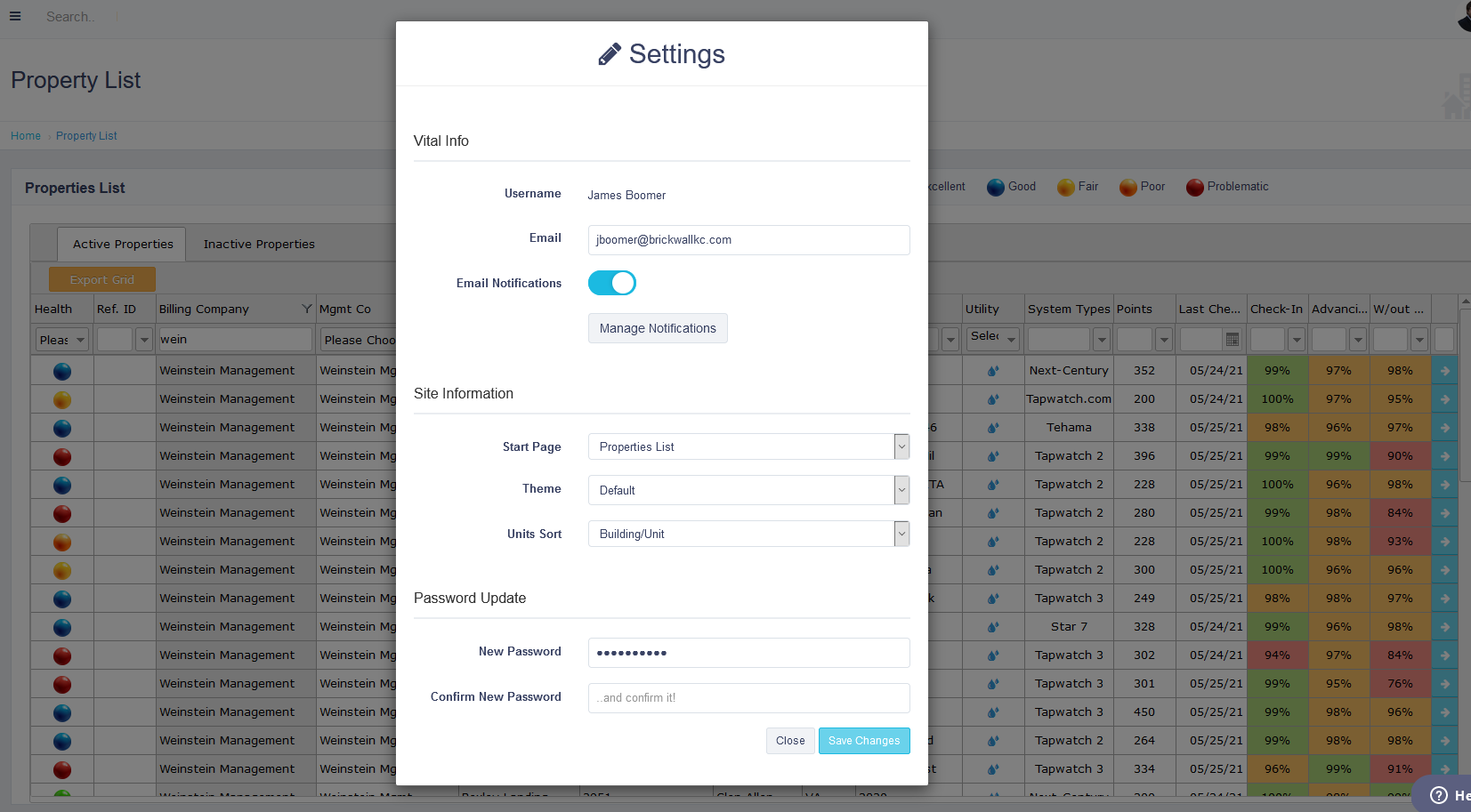
You can access your profile by clicking on “Settings” under your user settings which can be accessed by clicking your profile image in top right-hand corner for the website. In the “settings pop-up”, you can change your password and/or enable email notifications. Email notifications can be setup by clicking the “manage notification” button. You can change your starting page when accessing the site, as well as the default sorting. You have the option to change the color theme of the website when it is viewed under your account.
Comments
0 comments
Article is closed for comments.