
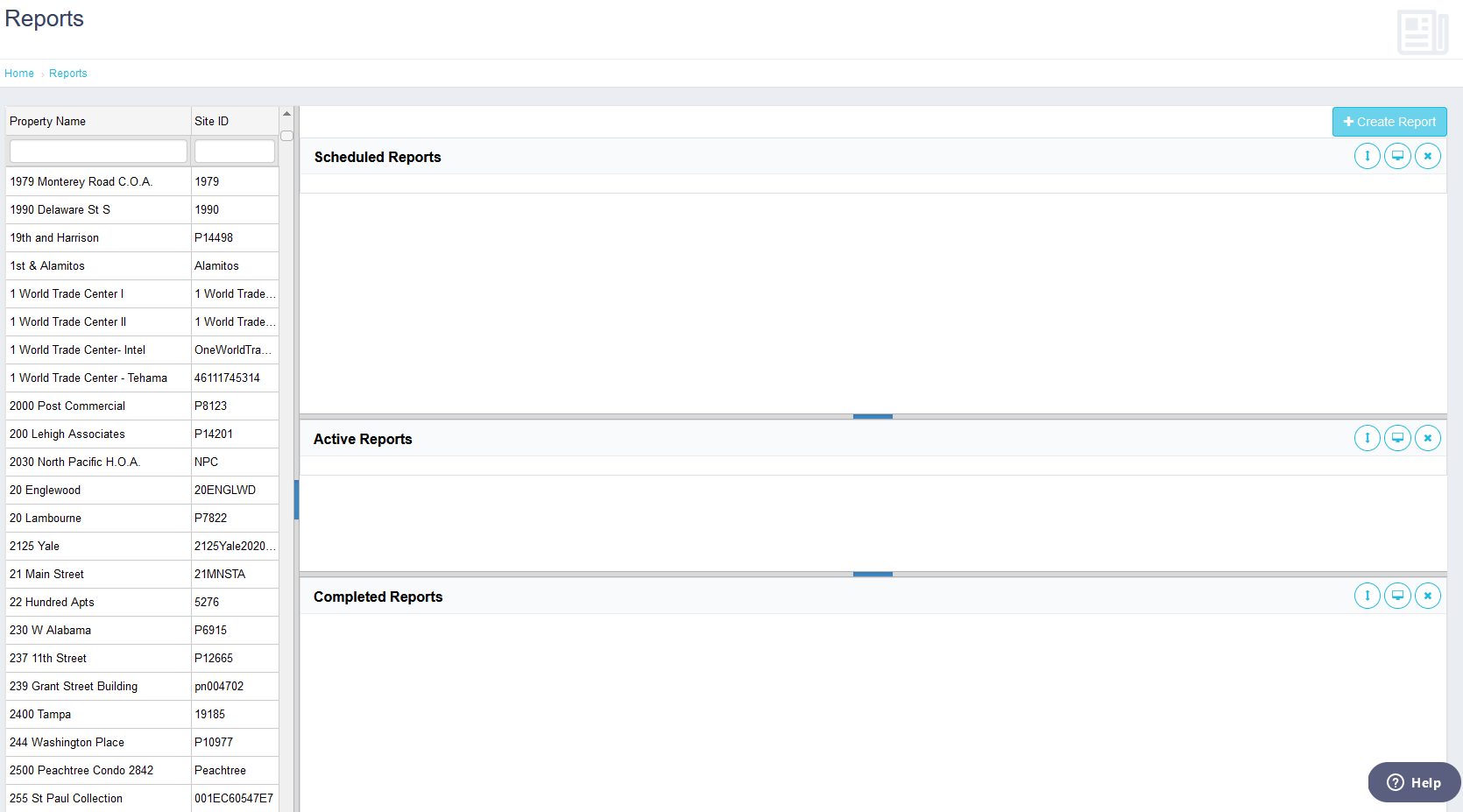
This page can be accessed from the main menu on the left-hand side or be accessed from the Property Menu Bar for a specific Property. This page like the Analytics Page has your entire portfolio displayed on the left-hand section. Once you select the property, then the right-hand section should refresh. The right-hand section shows Scheduled Reports, Active Reports, and Completed Reports. To create a new report, click on the “Create Report” button in the top right-hand corner. From here, you can select the report format, set the report date range, and format the report. You can even include the billing company information and an image for the report header. You can schedule the report to run in the future or you can have it run immediately. Once the report is completed you can double click on it to download it.
Note: This page does not refresh automatically, you will need to use the refresh button on the top right-hand corner to refresh the report areas.
Comments
0 comments
Article is closed for comments.