
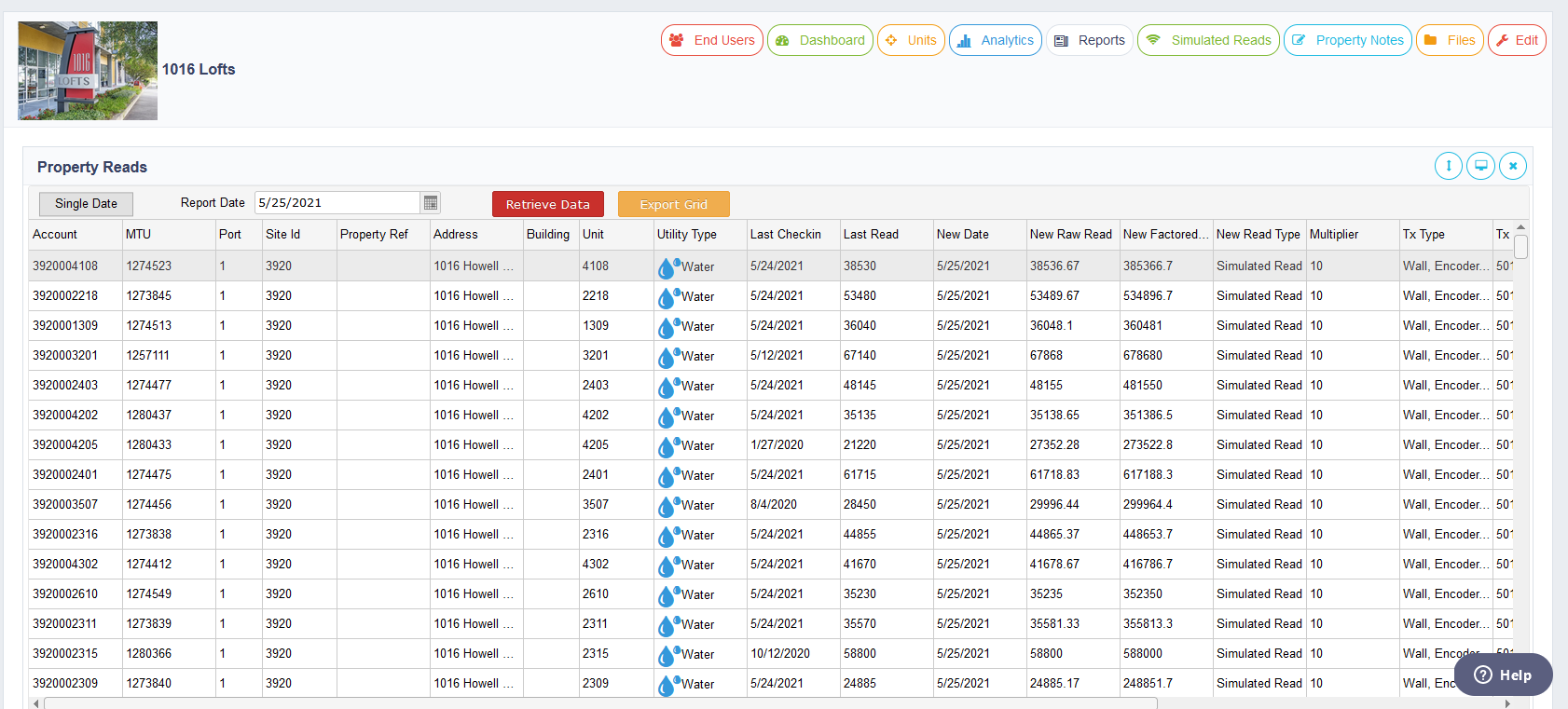
Accessed through the Property Menu Bar, this page allows you to create a reads report based on actual and simulated data (or a rubs report). You can select either a single date or click on the single date button to provide a date range. By clicking on “retrieve data”, you will receive a report loaded into the grid of the data. Real reads will say “real read” and simulated reads will say “simulated read” in the type column. Reads are simulated by looking at the last time reads have been collected for the unit and trying to get 30 days of historical data, analyzing the average daily consumption, and then calculating what the reading should be based on all available information. Once this report is loaded you can export the grid to Excel.
Comments
0 comments
Article is closed for comments.