
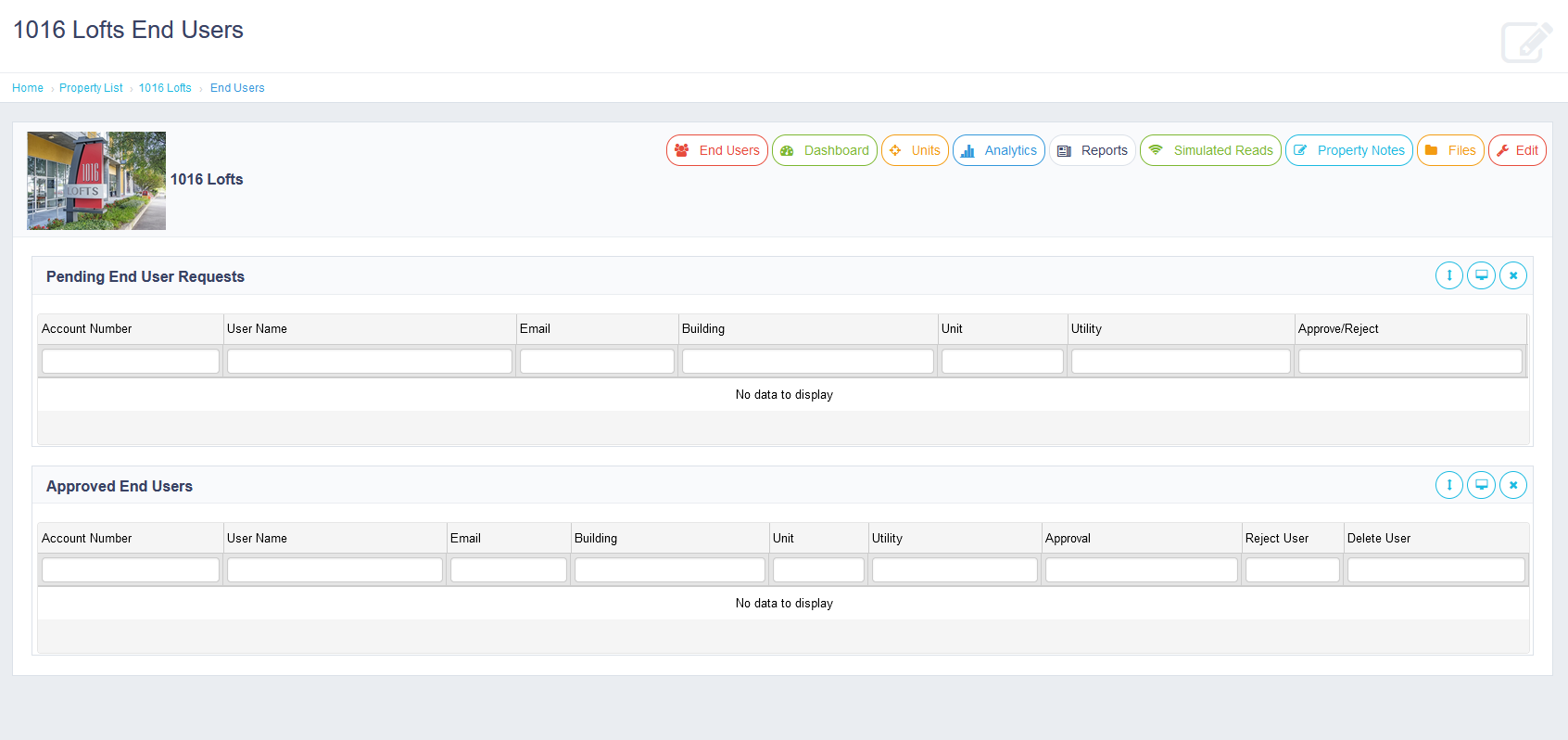
The End User page displays all end users who have registered to access the property as well as the units they belong to. An end user must register and request access to a particular unit. Until they are approved, they will show in the pending list. It is up to you to confirm these users to give them final access to the unit which moves them to an approved user. The end user will not see any information for the unit until you approve their request. When a user should no longer have access to a unit, you can reject their request or completely remove the user. By removing the user, you will remove their access to all units at that particular property.
Comments
0 comments
Article is closed for comments.